










Most Helpful Positive Review
Kevin Park, Cloud Infrastructure Manager



 Noah, Emma and 58.6K+ others trust eKeys.io for genuine software licenses.
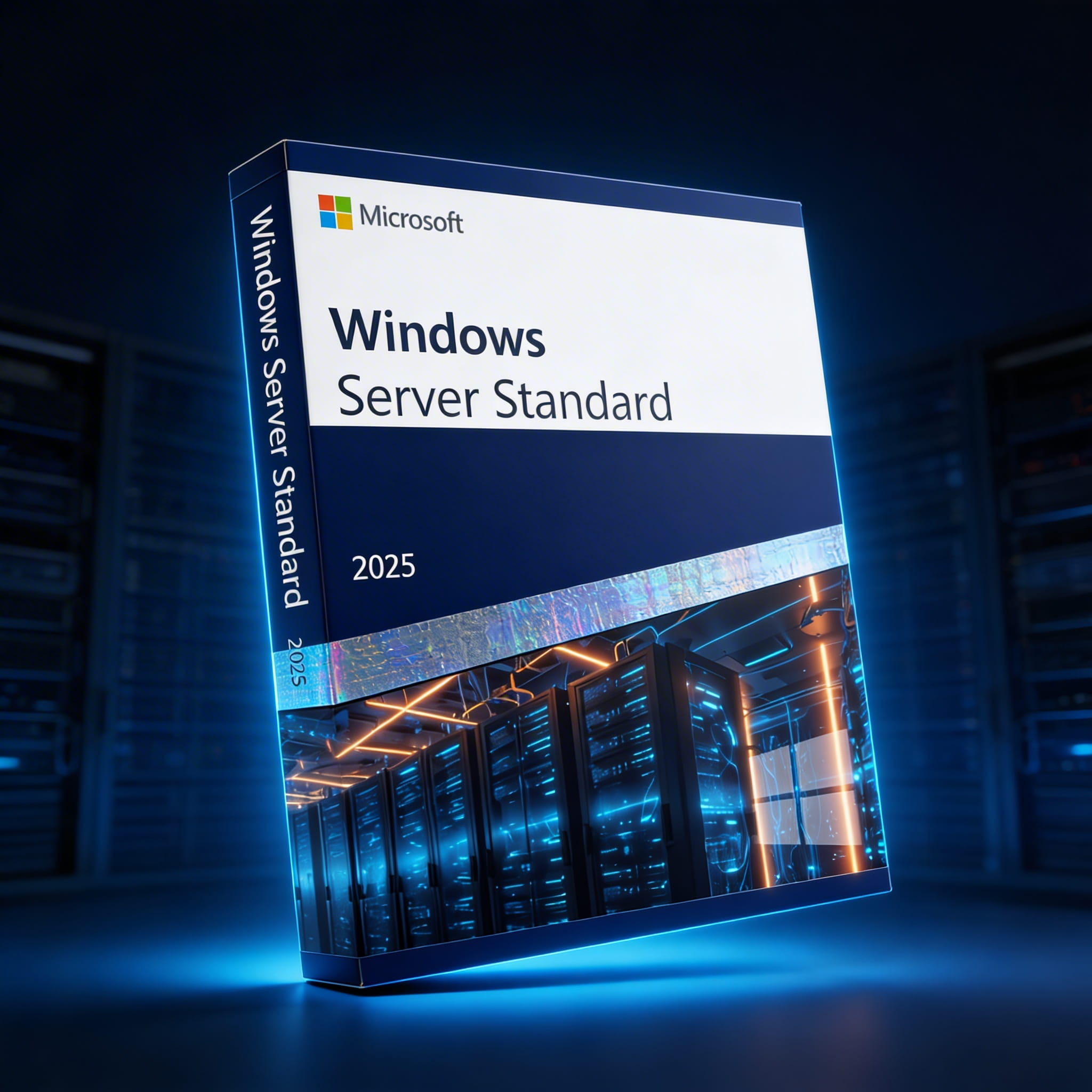
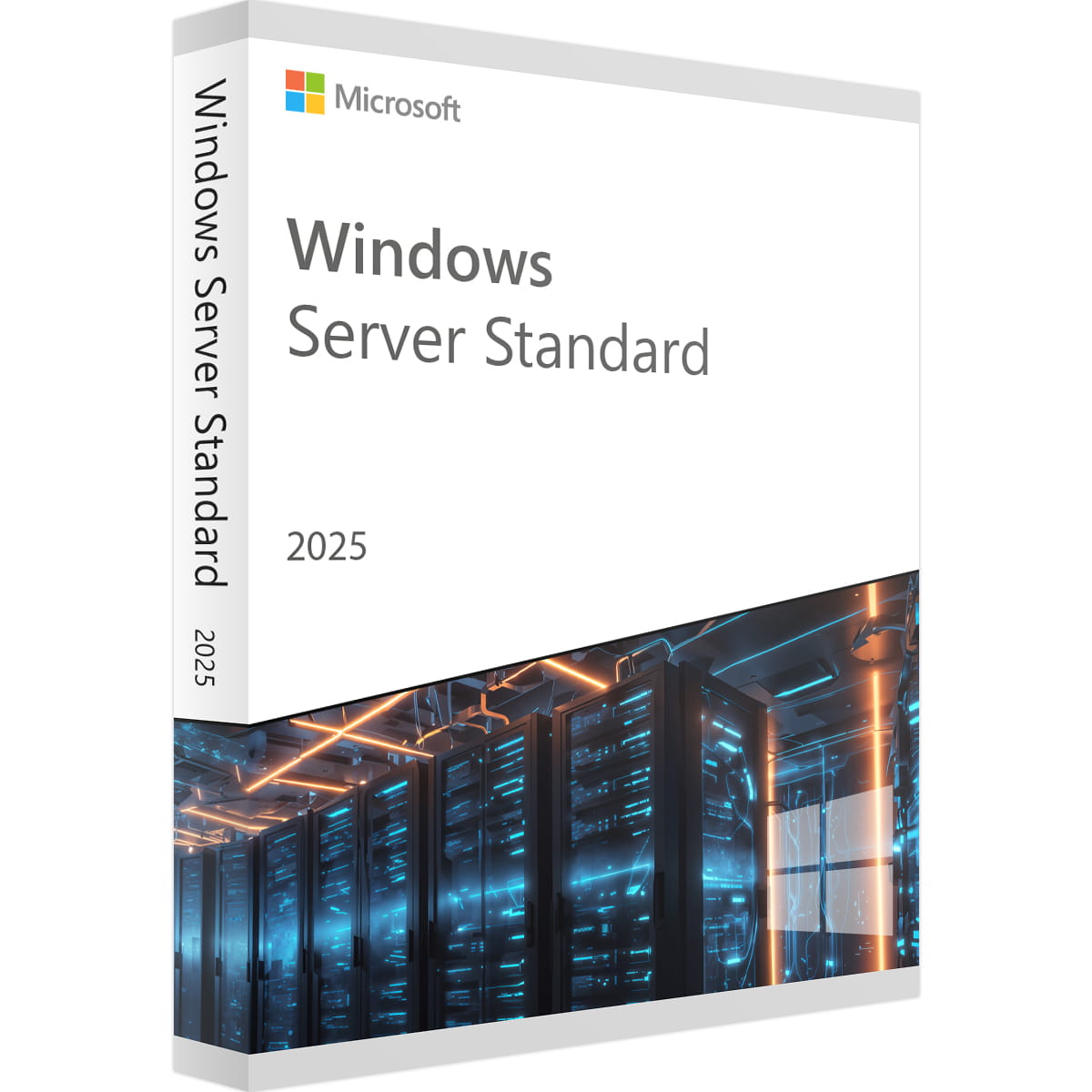
Windows Server 2025 Standard is Microsoft's latest server operating system, designed for organizations that need reliable performance, modern security, and hybrid cloud readiness without the cost of Datacenter licensing. Whether you're running file services, Active Directory, DNS, DHCP, or line-of-business applications, this edition delivers the features that IT professionals depend on daily.
This license covers a single physical server with a minimum of 16 cores and includes virtualization rights for up to 2 Hyper-V virtual machines. It's core-based licensing, so additional core packs are available if your server has more than 16 physical cores.
Server 2025 is a significant release with features that address real-world admin pain points. Hotpatching lets you apply security updates without rebooting - a capability previously reserved for Azure-only deployments, now available as an Azure Arc-enabled service for on-premises servers. This alone can save hours of planned downtime per month in production environments.
Active Directory has received its biggest overhaul in years. The new AD Object Repair functionality makes it easier to recover accidentally deleted objects, and 32k database page size support improves scalability for large directory environments. Kerberos authentication now supports AES-256 encryption by default, strengthening your security posture across the domain.
Networking improvements include SMB over QUIC for secure file access without VPN, NVMe storage support for better IOPS performance, and Network ATC for simplified traffic management across cluster nodes.
The Standard edition includes rights for 2 virtual machines per licensed host. Hyper-V now defaults to Generation 2 VMs with Secure Boot, and GPU partitioning support allows you to allocate GPU resources across VMs for AI and compute workloads on standalone servers. If you need unlimited VMs or Storage Spaces Direct, the Datacenter edition is the appropriate choice.
Azure Arc integration comes built-in, allowing you to manage on-premises servers alongside cloud resources from a single pane of glass. You can extend Azure Policy, Azure Monitor, and Update Management to your local infrastructure without migrating workloads. This makes Server 2025 a practical stepping stone for organizations moving toward hybrid cloud at their own pace.
Credential Guard is enabled by default on compatible hardware, protecting domain credentials from pass-the-hash and pass-the-ticket attacks. Secured-core server protection adds firmware-level security, and TLS 1.3 support for LDAP connections hardens directory communications. Windows Defender Antivirus is included and active out of the box.
Both editions share the same core features. The main differences are virtualization rights and a few advanced capabilities. Standard allows up to 2 Hyper-V VMs per licensed host, while Datacenter provides unlimited VMs. Datacenter also includes Storage Spaces Direct, Network Controller, and Host Guardian Hyper-V Support. For most small to medium businesses running a few VMs, Standard is the cost-effective choice.
Windows Server 2025 is licensed per physical core, with a minimum of 16 cores per server and a minimum of 8 cores per physical processor. If your server has more than 16 cores, you need additional 2-core license packs to cover every physical core. This license covers a server with up to 16 physical cores.
Yes. Every user or device that connects to Windows Server requires a CAL. CALs are not included with this license and must be purchased separately. You can choose between User CALs (per person, ideal for employees using multiple devices) or Device CALs (per machine, ideal for shared workstations).
Yes, in-place upgrades are supported from Windows Server 2019 and 2022. Microsoft recommends performing a full backup and compatibility audit before upgrading production systems. A clean installation is always the most reliable option for mission-critical environments.
Your product key, download link, and installation guide are delivered by email within minutes of purchase. Digital delivery means no waiting for physical shipments - you can begin your deployment right away.
This is a single-server license. It activates on one physical server. If you need to license additional servers, each requires its own Standard or Datacenter license. Contact us for volume pricing on multiple licenses.
Our technical support team is available to help with installation and activation at no additional cost. If you encounter any issues, reach out via phone, live chat, or email, and we will assist you through the process.
| Feature | Sub-feature | Standard | Datacenter |
|---|---|---|---|
| Core Infrastructure | |||
| .NET Framework 3.5 Features | Yes | Yes | |
| .NET Framework 4.8 Features | Yes | Yes | |
| Activation | Key Management Service (KMS) | Yes | Yes |
| Activation | Automatic Virtual Machine Activation | Limited* | Yes |
| Active Directory & Identity | |||
| Active Directory Domain Services | Yes | Yes | |
| Active Directory Certificate Services | Certification Authority | Yes | Yes |
| Active Directory Certificate Services | Certificate Enrollment Web Service | Yes | Yes |
| Active Directory Certificate Services | Online Responder | Yes | Yes |
| Active Directory Federation Services | Yes | Yes | |
| Active Directory Lightweight Directory Services | Yes | Yes | |
| Active Directory Rights Management Services | Yes | Yes | |
| Security | |||
| BitLocker Drive Encryption | Yes | Yes | |
| BitLocker Network Unlock | Yes** | Yes** | |
| Credential Guard | Yes | Yes | |
| Device Health Attestation | Yes | Yes | |
| Host Guardian Service | Yes | Yes | |
| Host Guardian Hyper-V Support | No | Yes | |
| Microsoft Defender Antivirus | Yes | Yes | |
| Virtualization & Containers | |||
| Hyper-V | Yes (2 VMs) | Yes (Unlimited) | |
| Containers | Yes | Yes | |
| GPU Partitioning | Yes*** | Yes | |
| VM Shielding Tools for Fabric Management | Yes | Yes | |
| Storage | |||
| File and Storage Services | File Server | Yes | Yes |
| File and Storage Services | Data Deduplication | Yes | Yes |
| File and Storage Services | DFS Namespaces & Replication | Yes | Yes |
| File and Storage Services | iSCSI Target Server | Yes | Yes |
| File and Storage Services | SMB over QUIC | Yes | Yes |
| File and Storage Services | Storage Migration Service | Yes | Yes |
| File and Storage Services | Storage Replica | Yes | Yes |
| Storage Spaces | Yes | Yes | |
| Storage Spaces Direct | No | Yes | |
| Networking | |||
| DNS Server | Yes | Yes | |
| DHCP Server | Yes | Yes | |
| Network ATC | Yes | Yes | |
| Network Controller | No | Yes | |
| Network Load Balancing | Yes | Yes | |
| Network Policy and Access Services | Yes** | Yes** | |
| Network Virtualization | Yes | Yes | |
| Software Load Balancer | Yes | Yes | |
| Remote Access (DirectAccess & VPN) | Yes | Yes | |
| Web Application Proxy | Yes | Yes | |
| Management & Deployment | |||
| Failover Clustering | Yes | Yes | |
| Group Policy Management | Yes | Yes | |
| Hotpatching (via Azure Arc) | Yes**** | Yes**** | |
| IP Address Management (IPAM) | Yes | Yes | |
| Remote Desktop Services | Yes** | Yes** | |
| Remote Server Administration Tools | Yes | Yes | |
| System Insights | Yes | Yes | |
| Windows Deployment Services | Yes | Yes | |
| Windows PowerShell 5.1 | Yes | Yes | |
| Windows Server Backup | Yes | Yes | |
| Windows Server Update Services | Yes | Yes | |
| Windows Subsystem for Linux | Yes | Yes | |
| Web & Application Services | |||
| Web Server (IIS) | Yes | Yes | |
| BranchCache | Yes | Yes | |
| Fax Server | Yes | Yes | |
| Message Queuing | Yes | Yes | |
| Print and Document Services | Yes** | Yes** | |
| Volume Activation Services | Yes | Yes | |
* As a guest when hosted on a Datacenter-activated virtualization host.
** When installed as Server with Desktop Experience.
*** Standalone servers only. Live migration of VMs between nodes requires Datacenter edition.
**** Available as an Azure Arc-enabled service. Azure Arc pricing applies separately.
Bottom line: Most SMBs and branch offices need Standard. Choose Datacenter only if you run more than 2 VMs per host, need Storage Spaces Direct, or require advanced SDN with Network Controller.
No reviews found

Windows Server 2025: Highlights of what's new in security, hybrid cloud, and performance
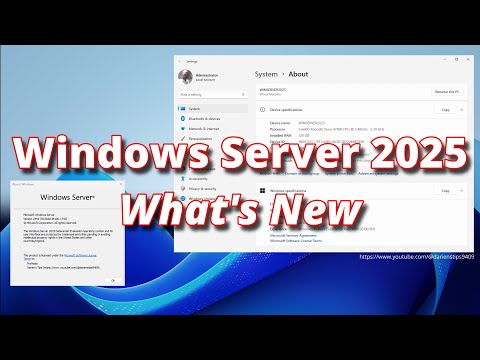
Windows Server 2025 Overview and See What’s New
Enjoy a secure, encrypted and smooth checkout experience.
Access your software key within seconds after purchase.
Activate and start using your software right away.
© 2020 - 2026 Electronic Keys. All Rights Reserved